Your data in its own workspace, and every office in one group
Every organisation runs in a fully isolated workspace: data, roles and configuration never cross tenant lines. Sign in with Microsoft, Google or email, protect accounts with two-factor, and run several offices under one organisation with a consolidated view.
In every plan; multi-office on Enterprise
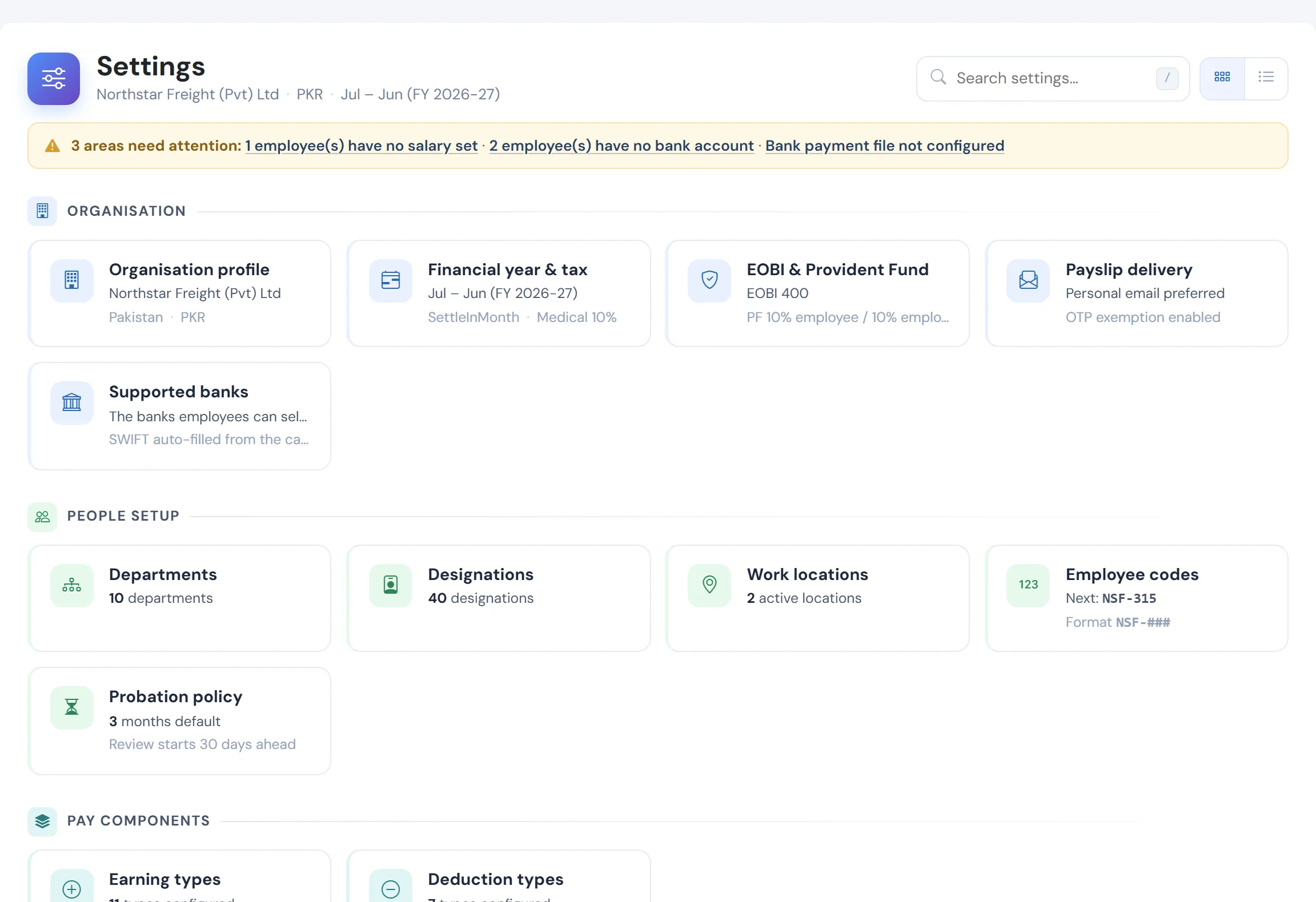
The problems it removes
- Payroll data in shared folders and personal inboxes
- Access that does not follow job changes
- Offices that each run their own spreadsheet
- Nobody sure who can see what
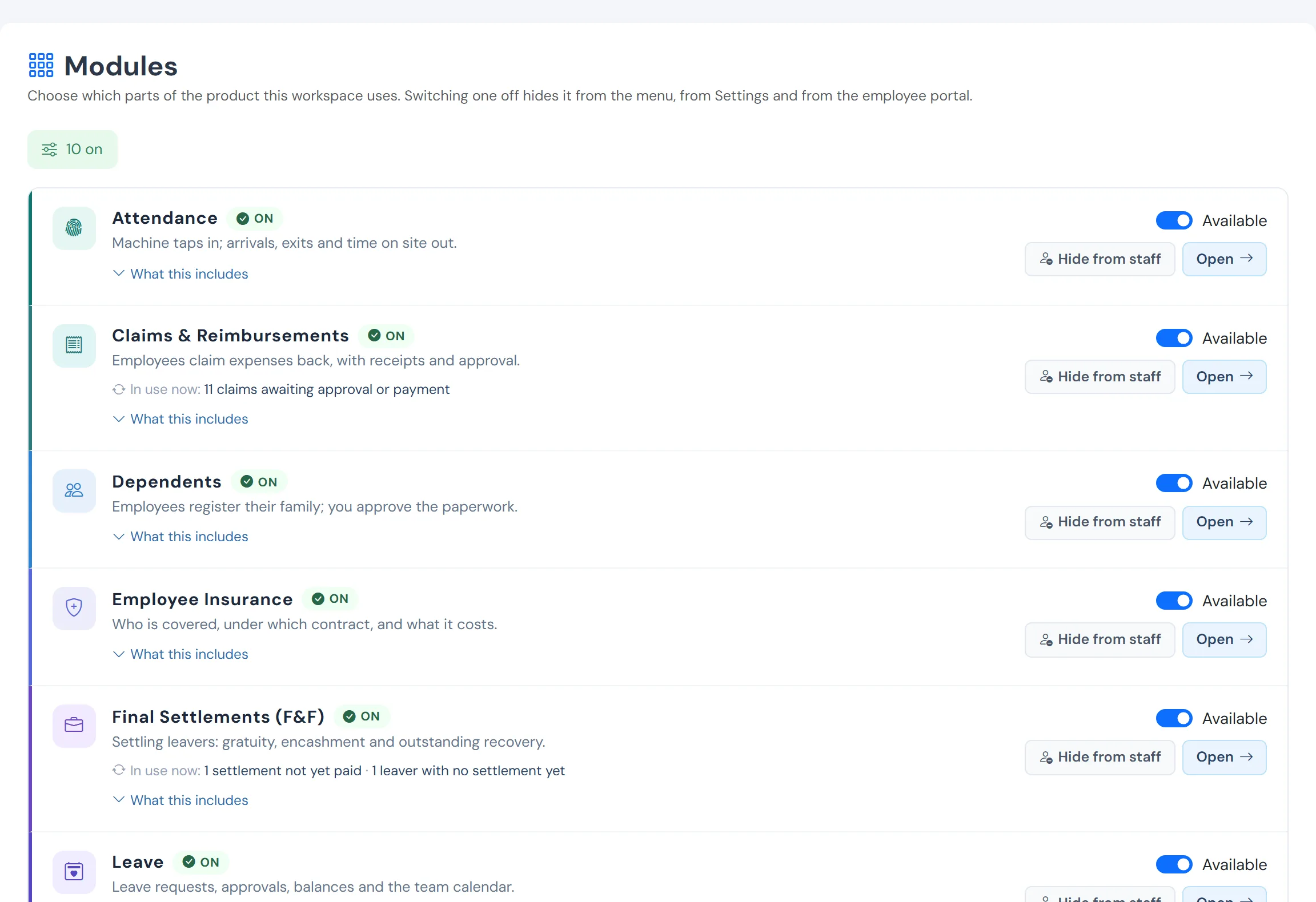
Switch on what you need
Each module is on, restricted or off per workspace; nothing shows in the menus until it is on.
How it works
Isolated by design
Workspaces are separated at the data layer, and the application refuses to start if a table is left unguarded.
Sign in your way
Microsoft, Google or email, with two-factor, session revocation and breach-checked passwords for email sign-in.
Permissions per workspace
Roles and permissions are resolved per workspace, and process permissions never expose pay.
Several offices, one group
Each office keeps its own payroll and calendar, with a consolidated view of headcount and one group invoice.
What you get
- Per-workspace isolation, roles and permissions
- Microsoft, Google and email sign-in with two-factor
- Modules you switch on, never a hidden premium tier
- Multiple offices under one organisation
Questions
Where is the data kept?
In a managed cloud database, separated per workspace. Ask us for details about hosting region and retention for your requirements.
See WageVerge run your payroll.
Tell us about your business and we will walk you through it, mapped to your pay components, your policies and the modules that matter to you.